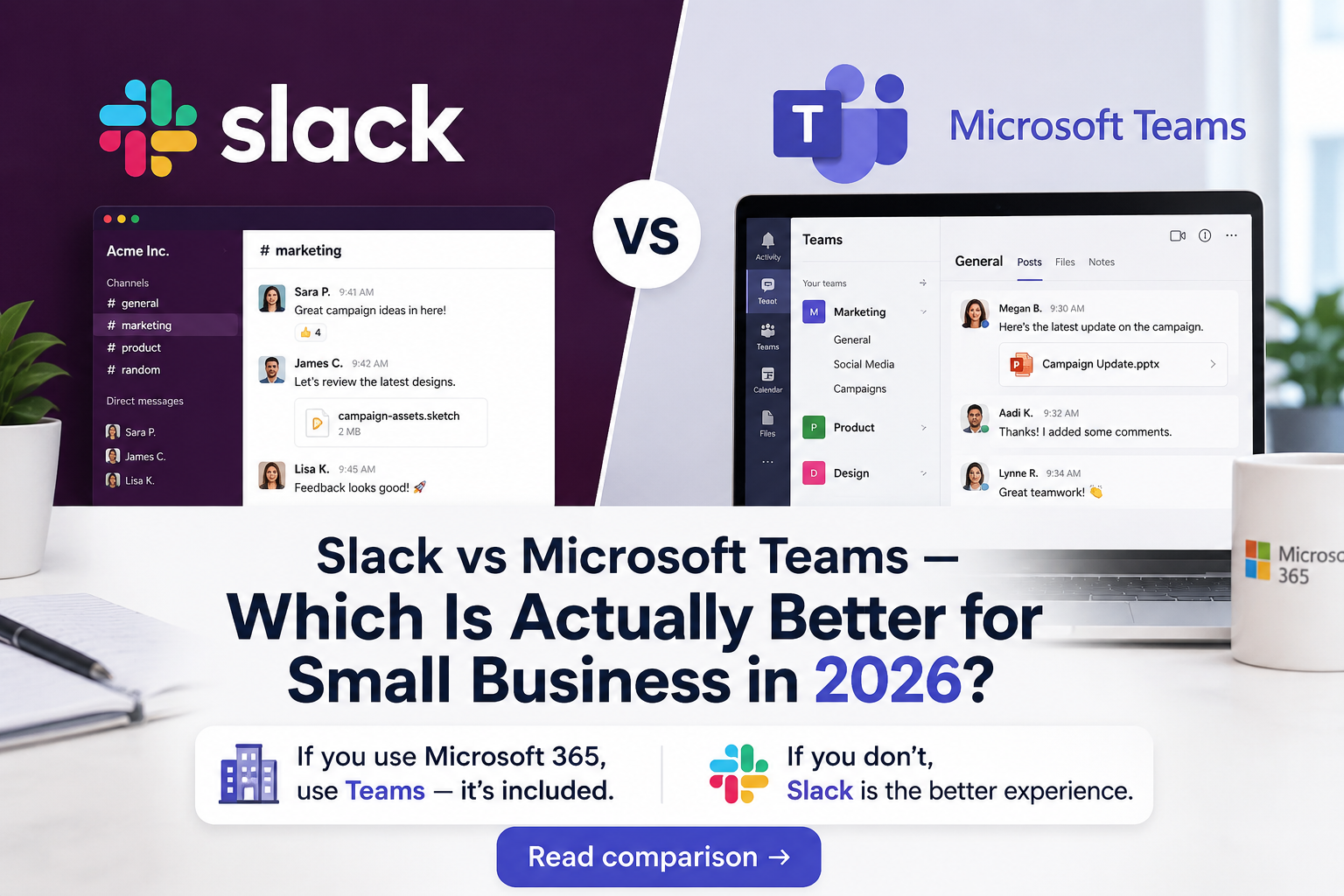
Bottom line up front: The answer almost entirely depends on whether you use Microsoft 365. If you pay for Microsoft 365, use Teams — it’s included, deeply integrated, and capable enough for virtually any small business. If you don’t use Microsoft 365, Slack is the better communication platform — faster, cleaner interface, better third-party integrations, and a workflow that most teams prefer. Don’t pay for both.
Overview: The Two Dominant Business Messaging Platforms
Slack launched in 2013 and essentially invented the modern team messaging category. It replaced internal email for millions of teams and built an ecosystem of 2,600+ integrations. Slack’s strength is its clean interface, powerful search, and the culture of real-time async communication it enables. Salesforce acquired Slack in 2021 for $27.7 billion.
Microsoft Teams launched in 2017 as Microsoft’s response to Slack, bundled into Microsoft 365. Teams has surpassed Slack in users (320 million daily active users vs Slack’s ~38 million) largely because it’s included in subscriptions that businesses already pay for. Teams is more than a messaging app — it’s a full collaboration hub with video, docs, and file storage baked in.
Pricing: The Microsoft 365 Factor
| Plan | Slack | Microsoft Teams |
|---|---|---|
| Free | 90-day message history, 10 integrations, 1:1 calls only | Unlimited chat, 60-min meetings, 5GB storage |
| Entry Paid | $7.25/person/mo (Pro) — full history, unlimited integrations | Included in Microsoft 365 Business Basic ($6/user/mo) |
| Business | $12.50/person/mo — compliance, admin tools | Included in Microsoft 365 Business Standard ($12.50/user/mo) |
| Video Meetings | Huddles (audio-first), Clips (async video) | Full video conferencing, up to 300 participants |
| File Storage | 5GB (free), unlimited (paid) | 1TB OneDrive per user on all M365 plans |
| Integrations | 2,600+ apps in App Directory | 700+ apps, deep Microsoft ecosystem |
| Search | Excellent — full message search, filters | Good, but slower and less precise than Slack |
| AI Features | Slack AI ($10/person/mo add-on) — channel summaries, search | Copilot in Teams (Microsoft 365 Copilot — $30/user/mo) |
| Best For | Teams not on Microsoft 365, developer-heavy teams | Teams already using Microsoft 365, video-heavy workflows |
Prices as of May 2026. Verify at Slack.com and Microsoft.com/Teams.
The pricing math is simple: if you’re on Microsoft 365 Business Basic ($6/user/month), Teams is essentially free. Adding Slack Pro on top costs another $7.25/person/month — that’s over $160/year per employee for redundant functionality. Don’t do it.
User Experience: Slack Leads, Teams Has Caught Up
Slack’s interface is where it still maintains a clear edge. Channels are fast, reactions are instant, threads work naturally, and the mobile app is excellent. Search finds exactly what you’re looking for. Status indicators, huddles, and canvas docs all feel polished. Slack is the tool people want to open.
Microsoft Teams has improved dramatically since its early days. The interface is cleaner than it was in 2022-2023. Chat, channels, and calls all work well. But it still carries some of the weight of being an enterprise product — settings are buried, notifications can be overwhelming, and switching between personal and team chats feels less intuitive than Slack.
For teams coming fresh to both tools with no existing preference, Slack consistently scores higher on user satisfaction surveys. For teams already in the Microsoft ecosystem, Teams friction is minimal because the workflow is already familiar.
Video Meetings: Teams Wins Decisively
If your team does frequent video meetings — client calls, team standups, presentations — Microsoft Teams is the stronger platform. Teams supports meetings up to 1,000 attendees, has live transcription and recording, breakout rooms, a collaborative whiteboard, and excellent noise cancellation. It’s a full-featured video conferencing platform, not an afterthought.
Slack’s video offering centers on Huddles — lightweight audio-first calls that are great for quick syncs but not designed for structured meetings, external calls, or anything requiring screen-share with multiple participants. If you need video conferencing, you’ll likely be adding Zoom or Google Meet on top of Slack anyway.
Integrations: Slack’s Superpower
Slack’s 2,600+ integrations are a genuine advantage for tech-forward small businesses. GitHub notifications, Stripe payment alerts, Jira issue updates, Salesforce deal notifications, PagerDuty alerts — Slack connects to virtually everything your business runs on. The integration quality is generally higher than Teams equivalents.
Teams integrates deeply with the Microsoft stack (SharePoint, OneDrive, Planner, Power Automate) and has 700+ third-party apps. For businesses running on Microsoft tools, this is all they need. For businesses using a diverse non-Microsoft tool stack, Teams integrations can feel limited.
Best For: Matching Tool to Operator
Choose Microsoft Teams if you:
- Already pay for Microsoft 365 — Teams is included and the value case is closed
- Run frequent video meetings with clients or external stakeholders
- Use SharePoint, OneDrive, or other Microsoft tools heavily
- Need a single platform for chat, video, files, and tasks without additional subscriptions
Choose Slack if you:
- Don’t use Microsoft 365 and want the best pure messaging experience
- Have a developer-heavy team that relies on GitHub, Jira, or other dev tool integrations
- Want faster, cleaner async communication with better channel organization
- Use Google Workspace instead of Microsoft 365
Verdict
The decision is straightforward: check your Microsoft 365 subscription first. If you pay for it, Teams is already there — use it. Adding Slack is an unnecessary extra cost for overlapping functionality.
If you don’t use Microsoft 365, Slack Pro at $7.25/person/month is the better investment. The cleaner interface, superior integrations, and better user satisfaction translate to real adoption. A messaging tool only works if people actually use it — and teams consistently prefer Slack when given the choice.
→ Try Slack free | Try Microsoft Teams free
Related Comparisons
- Monday.com vs ClickUp — Which Project Tool Wins in 2026?
- HubSpot vs Salesforce — Which CRM Is Right for Small Business?
- Make.com vs Zapier — Which Automation Tool Is Better?
Last updated: May 2026. Pricing subject to change. toolsforoperators.com/ may earn affiliate commissions on qualifying purchases.